



How to Transform into Giant SpongeBob in Brookhaven

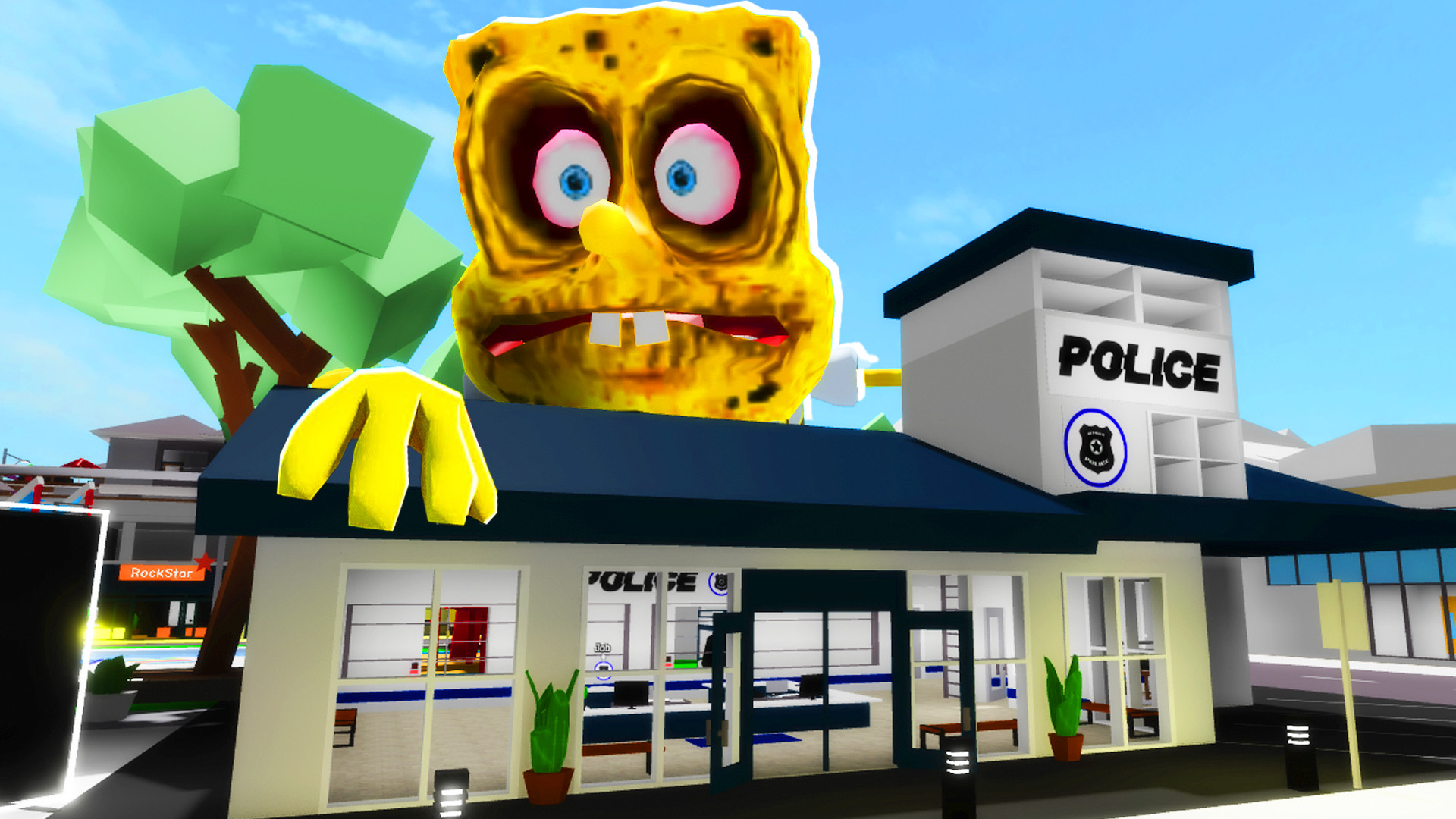
Brookhaven is one of Roblox's most popular games, and always brings new updates and items to keep players entertained. One of the latest additions to cause a stir is the possibility of transforming into the giant SpongeBob. Although some giant items are quickly banned, it is still possible to make this transformation. Here's a complete guide to turning yourself into giant SpongeBob and other secret items.
Cited IDs:
- 18101095295: Giant House
- 17901032315: Giant Tank
- 18100716346: SpongeBob
Step by step to transform yourself into Giant SpongeBob:
- Initial protection:
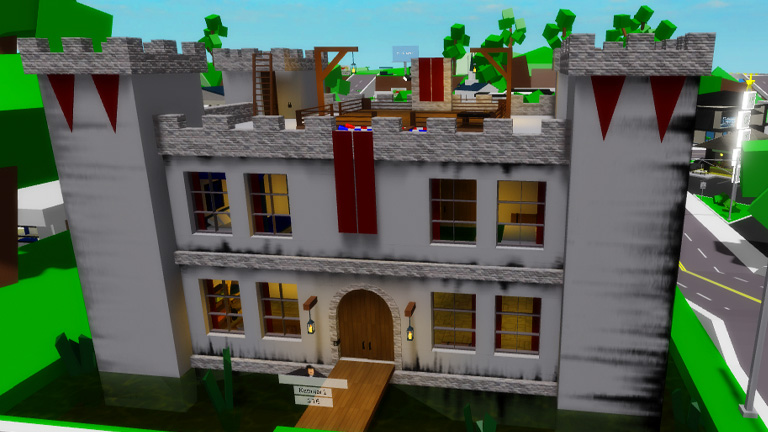
- Before starting the transformation, it's a good idea to protect yourself. Set up a super-protected house to prevent any invasion by SpongeBob. An example would be a maximum security castle.
- Avatar Editor:
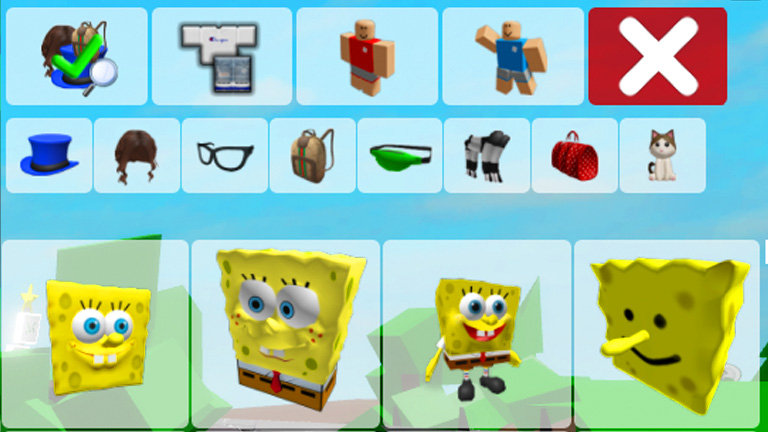
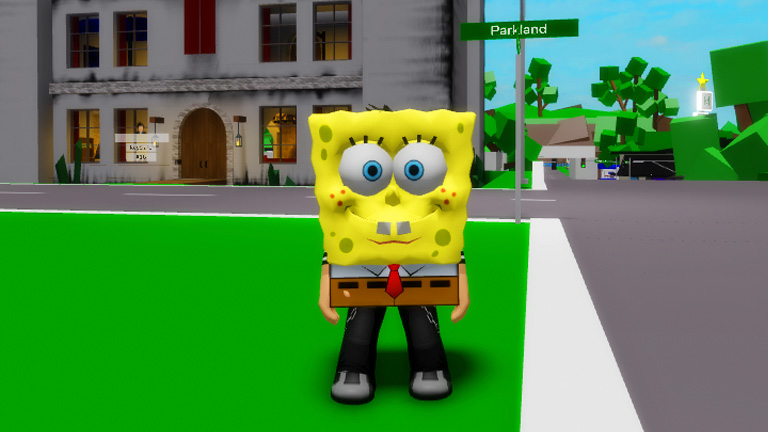
- Open the avatar editor and search for "SpongeBob". Several SpongeBob items will appear. It's important to choose one that's big enough to cover the entire map of Brookhaven.
- SpongeBob's choice:
- Select a big, scary SpongeBob. Unfortunately, many SpongeBobs available are small, so you need to find the biggest one possible. An imprisoned SpongeBob, for example, might be a good initial choice.
- Giant items:
- Use secret IDs for giant items that have not yet been banned. For example, use the ID of a giant galaxy to cover the map.
- Final Transformation:
- Go to Roblox Studio to modify the map of Brookhaven and add SpongeBob's house and car. Place giant SpongeBob near Brook's Diner so that everyone can see him.
Testing the Transformation:
- SpongeBob's house:
- Place SpongeBob's house on a suitable plot of land. Unfortunately, some houses may be empty inside, but it's important for the setting.
- SpongeBob's car:
- Test SpongeBob's car to see if it works properly. Although the car doesn't work on water, it can be used to get around the map.
- Transformation into Giant SpongeBob:
- To transform, approach the giant SpongeBob you've added and press the green button. This will instantly transform you.
- Exploration:
- Explore the map as giant SpongeBob and see the reactions of the other players. Use items like giant hats and walking coliseums to increase the fun.
Final Tips:
- If you want to go back to normal, just reset your character.
- Test the giant items on public servers to see the reactions of other players. This can be a lot of fun and create hilarious moments.
- Remember that some items can cause bugs on the map, so use them carefully.
With these steps, you can have fun transforming into the giant SpongeBob in Brookhaven and trying out various secret items. Enjoy exploring all the possibilities the game has to offer!
I hope you enjoyed this guide. Share your experiences with us. See you next time!