



Tips for Creating Your Own Roblox Game

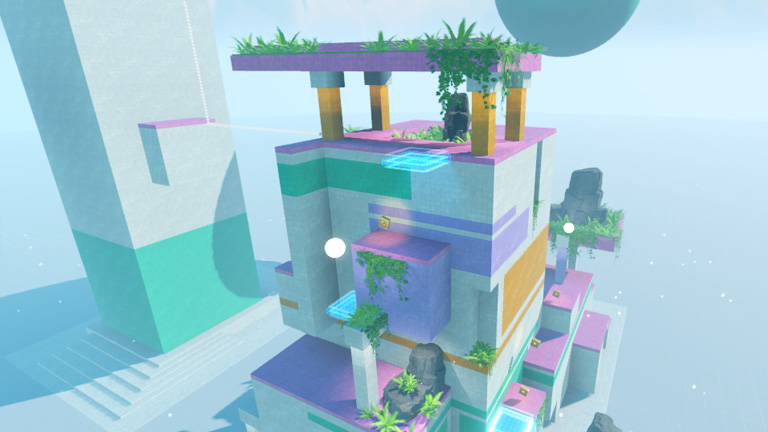
Roblox is an online gaming platform that allows anyone to create and share their own games. With a community of millions of daily players, Roblox is an excellent opportunity for aspiring developers to explore their creativity and learn new programming skills. In this guide, you'll learn step-by-step how to create your own game on Roblox, from creating an account to publishing your game to the community.
1. Creating Your Roblox Account
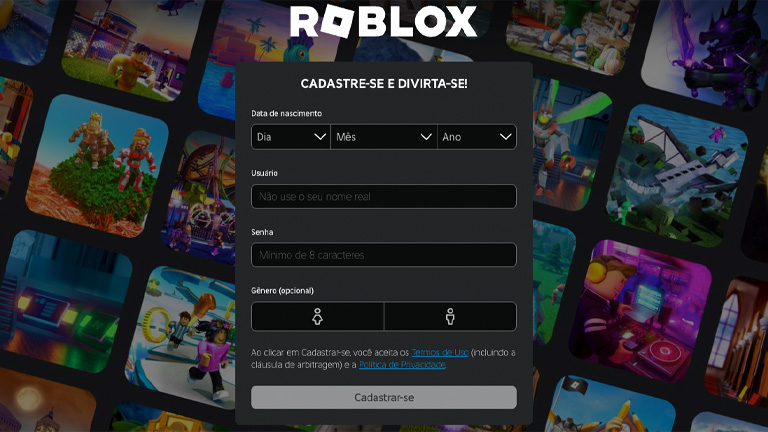
The first step to creating your game is to sign up for Roblox:
- Visit the official Roblox website and click on "Register".
- Fill in the necessary information, such as username, password and date of birth.
- After creating your account, log in to access all the platform's features.
Once your account is created, you'll have access to Roblox Studio, the tool where the magic happens.
2. Exploring Roblox Studio
Roblox Studio is the main tool for creating games in Roblox. Follow the steps below to download it and start exploring:
- Go to the "Roblox Studio" section on the Roblox website.
- Download and install Roblox Studio on your computer.
- Open Studio and log in again with your Roblox credentials.
Roblox Studio offers a variety of tools that make it easy to create games, including 3D modeling, Lua scripts, and much more.
3. Choosing the Right Model for Your Game
In Roblox, you can start your game from a pre-existing model, which makes the process much easier:
- In Roblox Studio, go to the "Templates Gallery".
- Browse the categories or use the search bar to find a model that fits your idea.
- Click on your chosen model to see more details and, if you like it, add it to your inventory.
Starting with a template is an excellent way to learn how games are structured in Roblox.
4. Customizing Your Game
Once you've chosen your template, it's time to personalize it and add your own creative touches:
- Use the terrain modeling and painting tools to create unique scenarios.
- Customize characters, clothes, and objects using the "Properties" panel.
- Learn to program in Lua to add scripts that bring your game to life, such as animations, special effects and much more.
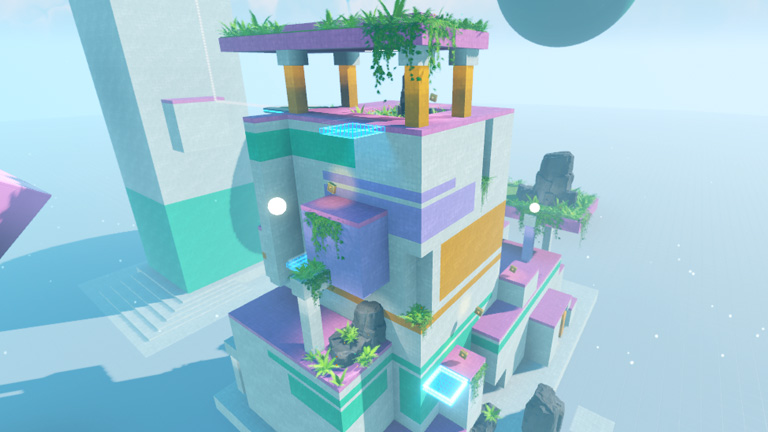
Customization is where you can really set your game apart from others on the platform.
5. Testing and Perfecting Your Game
Testing is a fundamental part of the development process:
- In Roblox Studio, use the "Play" function to test your game and see how it works.
- Invite friends to play and provide feedback.
- Use this feedback to adjust the gameplay, fix bugs, and improve the player experience.
Continuously testing and improving is what ensures that your game is fun and successful.
6. Publishing and Promoting Your Game
Once you've created and tested your game, it's time to publish it and share it with the community:
- In Roblox Studio, click on "Publish to Roblox" and follow the instructions to make your game available.
- Create an attractive description and add screenshots to highlight what makes your game unique.
- Use Roblox social networks and forums to promote your game and attract players.
Engaging with the community is essential to the success of your game.
7. Monetization on Roblox
Roblox offers several ways to monetize your game:
- Selling Virtual Items: Create and sell clothes, accessories and other exclusive items in the game.
- Game Passes: Offer access to special areas or resources within your game in exchange for Robux.
- Ads and Affiliates: Participate in Roblox's ad and affiliate programs to generate additional revenue.
With an active player base, your game can become a significant source of income.
Conclusion
Creating a game on Roblox is an incredibly rewarding experience, combining creativity, learning and financial potential. With Roblox Studio's powerful tools and the support of a vibrant community, anyone can turn their ideas into a successful game. Start today and see how far your imagination can take you!