
How to Get 7 Items in Roblox Quickly and Easily

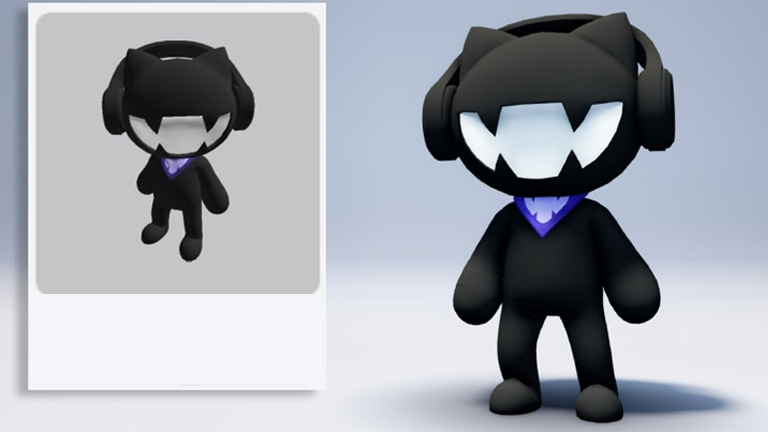
If you're looking for free items in Roblox, you're in the right place! In this guide, we're going to explain in detail how to get several amazing items on three different maps: Walmart, Netflix Snacks World and Ninja Turtles. Follow the instructions below to make sure you get all these exclusive items.
1. Get Digital Headphones on the Walmart Map
- Search and Map Entry: In Roblox, search for the Walmart map and enter the first result.
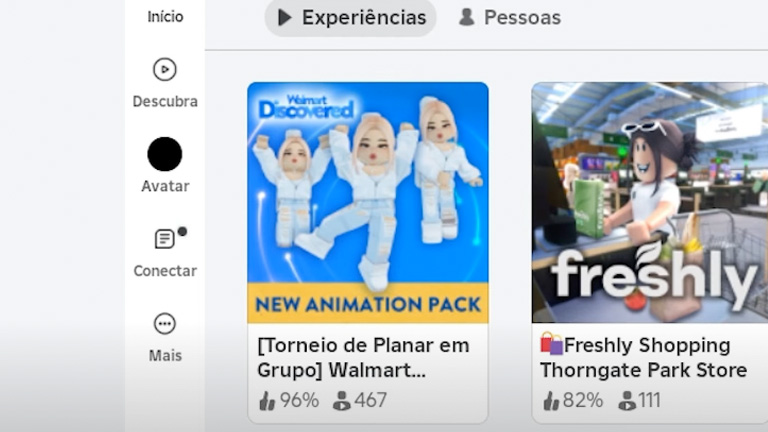
- Play the Minigame: As soon as you enter the map, head to the mini-game ahead. A new free item has been released, and to get it you'll need to play the solo mode.
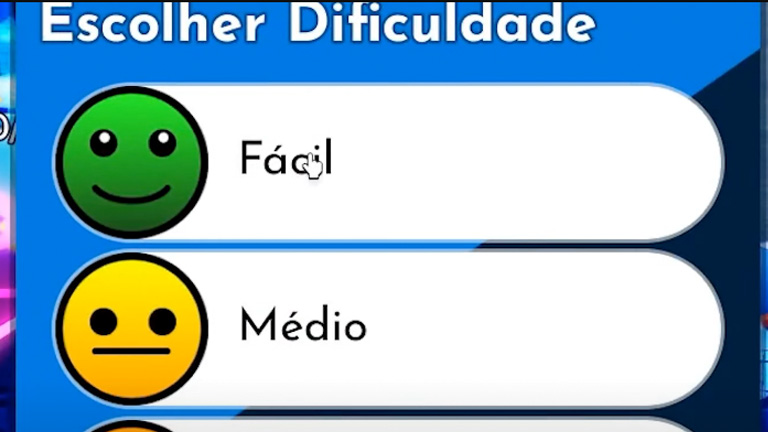
- Select Easy Mode: Choose easy mode to complete the race quickly.
- Collect Boxes on the Map: Your mission is to find five boxes scattered around the map. Find and collect them all to progress in the mission.
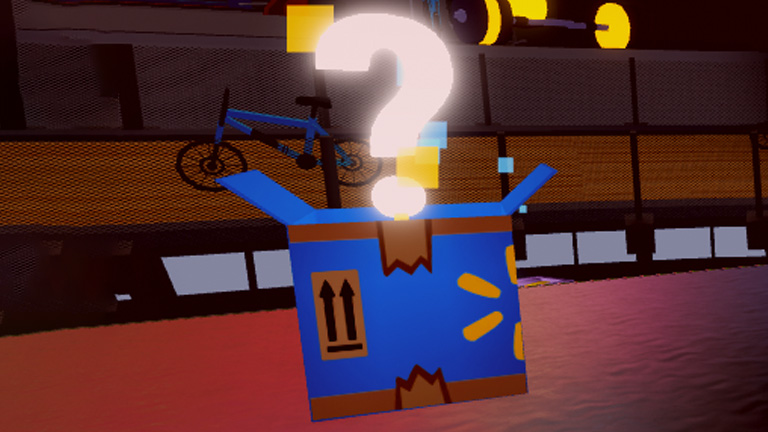
- Complete the mission: After collecting the five boxes, return to the start of the race. The mission "Digital Headphones" will appear on your screen. Click on it to see the available item, which has 23,000 copies.
- Claim the item: To get the item, collect 20 boxes while playing the mini-game. Complete the mission and claim the item for free.
Extra Tip: In the G-Shop, you'll find four more free items that can be obtained with in-game coins. To maximize your coins, play in hard mode.
2. How to Get an Ice Cream Hat at Netflix Snacks World
- Map entry: Search for the map "Netflix Nextworld" and enter the first result.
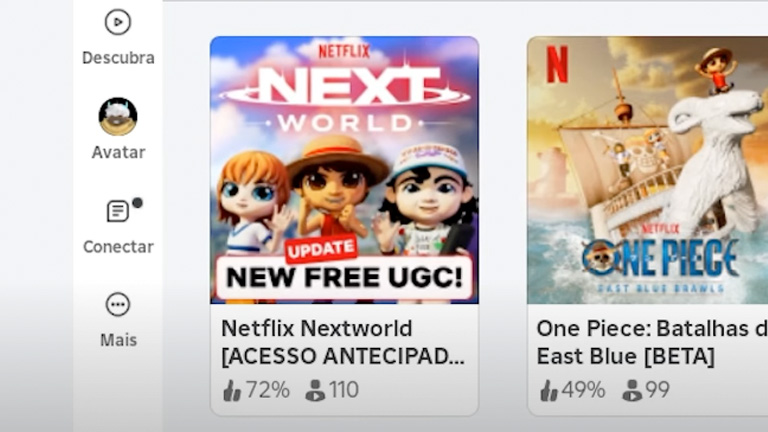
- Start the Mission: Click on the globe and go to the item area. Interact with the girl to start the mission, which consists of making 50 requests.
- Prepare the orders: Go to the ice cream machine and prepare the orders as requested. Take the ingredients to the machine and interact at the right time.
- Complete the mission: After delivering all 50 orders, return to the girl to complete the mission.
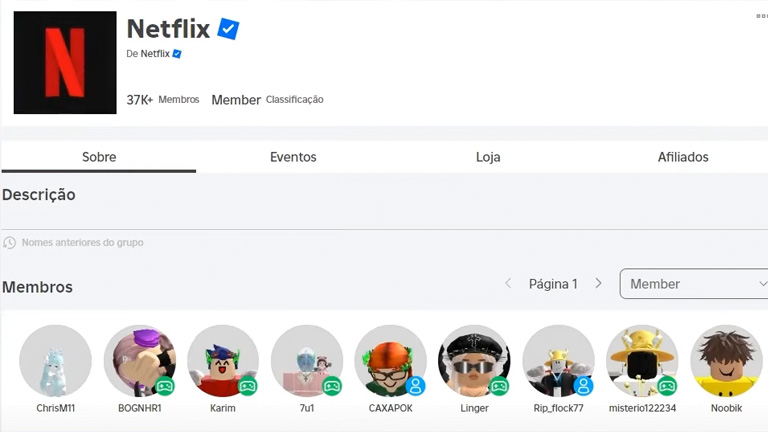
- Join the Group and Like the Game: Finally, join the Netflix developer group and like the game. Then return to the game to claim the item.
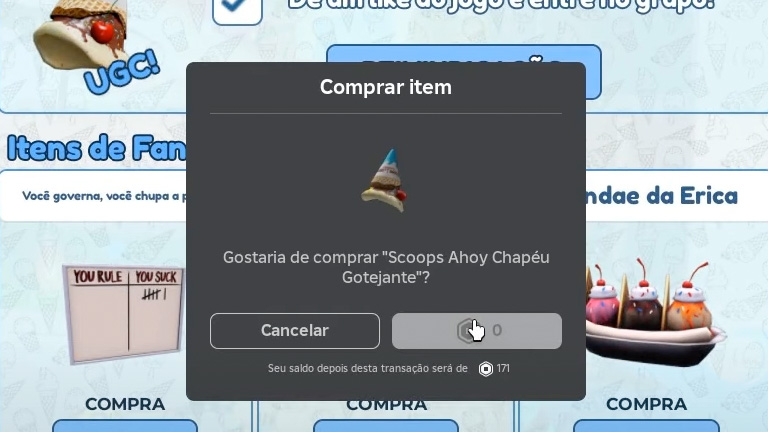
- Claim the Hat: Click on the UGC to claim the ice cream hat for zero robux. The item will be available in your inventory.
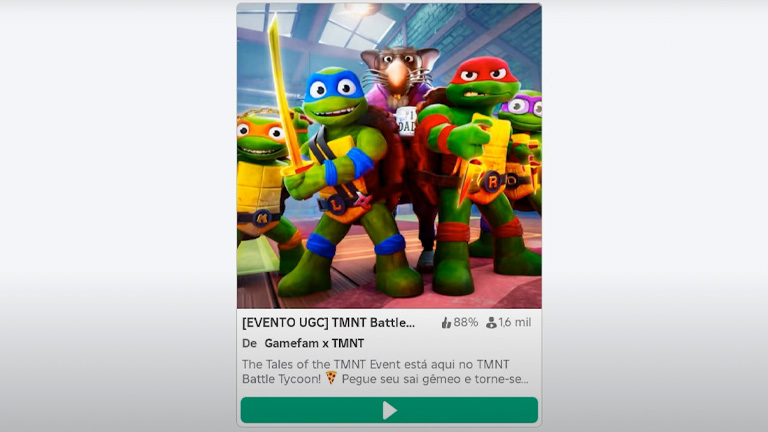
3. Get Leonardo's Item on the Ninja Turtles Map
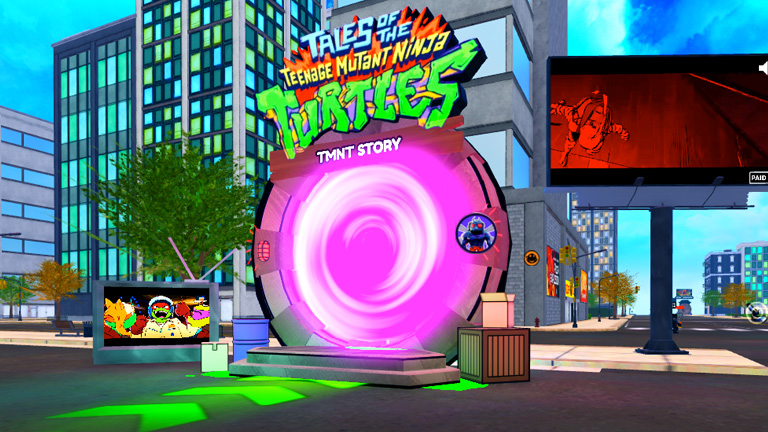
- Map entry: Enter the Ninja Turtles map and go straight to the story mode portal.
- Start Story Mode: Wait for the countdown and start the story mode. Complete the "obby" taking care not to get hit by the water.
- Fight the bad guys: Grab the Ninja Turtles' weapons and defeat the enemies that appear along the way.
- Complete the Story Mode: Go to the end of the story mode and, when you've finished, go back to the beginning to claim the item.
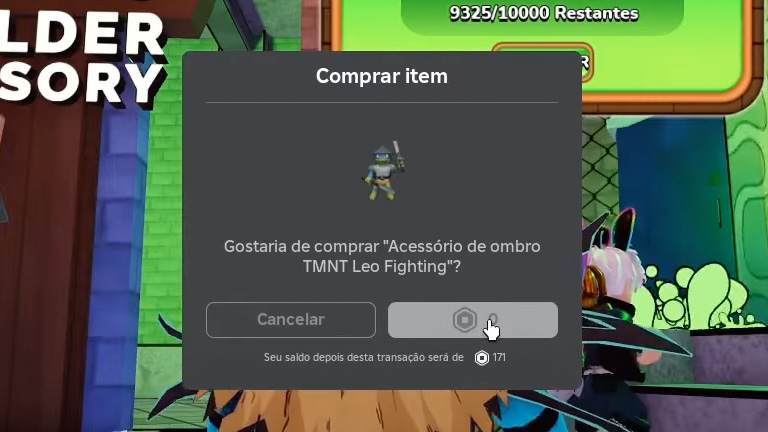
- Claim Leonardo's item: Click on the prompt and buy the item for zero robux. This is an exclusive Ninja Turtles item and will be in your inventory.
Conclusion
By following this guide, you'll be able to add various free and exclusive items to your inventory in Roblox. Remember to follow each step carefully so you don't miss any details. Take advantage of these items and keep exploring the Roblox universe to discover more opportunities to earn rewards!