
How to Create Clothes in Roblox: Complete Guide for Beginners


Creating clothes in Roblox is an excellent way to express your creativity and even earn Robux, the game's virtual currency. If you've ever imagined seeing your own designs being worn by other players or want to give your avatar a unique touch, this guide is for you. In this article, we'll explore step by step how to create your own clothes in Roblox, from conceiving the design to uploading it to the game.
1. Understanding the Basics: Types of Clothes in Roblox
Before you start creating, it's important to understand the different types of clothes you can make in Roblox:
- T-shirts: They are the simplest to create. It's basically an image that you place on the front of your avatar's shirt. They are popular and easy to make, as you only need a 512×512 pixel image.
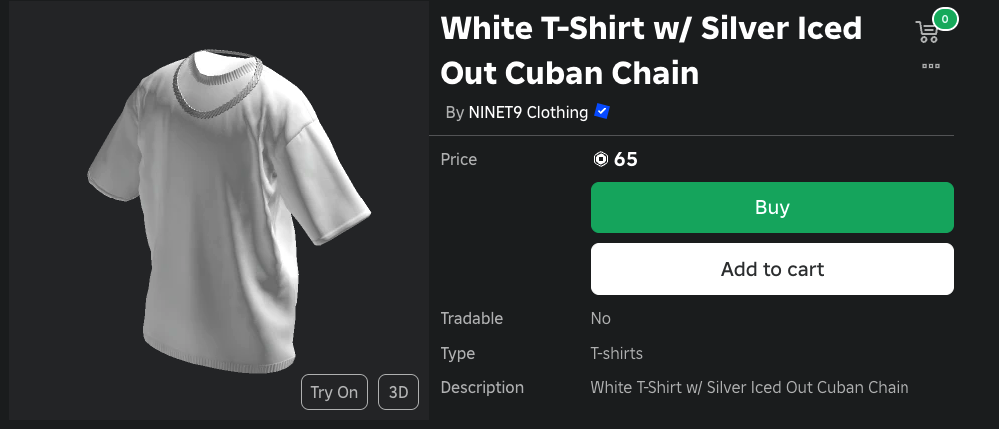
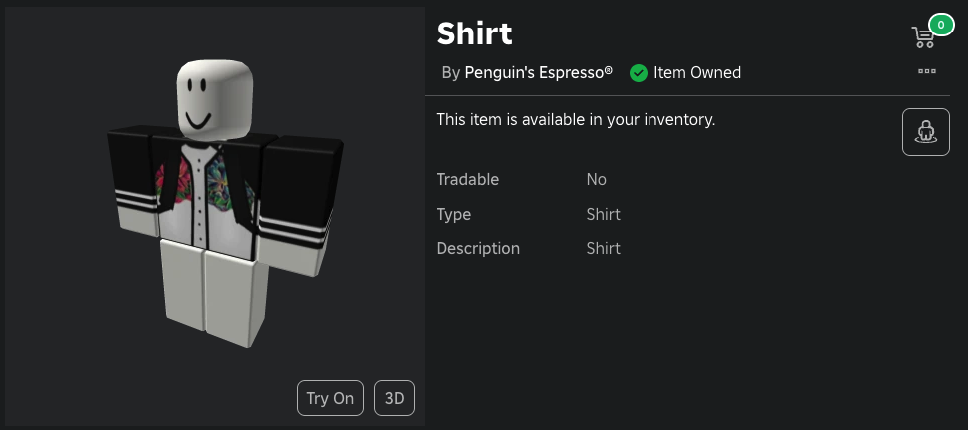
- Shirts and Pants: These are more complex, as they involve drawing for different parts of the avatar's body (front, back, arms, legs). You'll need a basic understanding of clothing models to create shirts and pants that fit the avatar well.
2. Tools needed to create clothes
You don't need expensive software to start creating clothes in Roblox. Here are some popular tools you can use:
- Paint.NET: A free and easy-to-use image editor.
- GIMP: Another free image editor, more powerful and with features similar to Photoshop.
- Adobe Photoshop: A paid image editor widely used by professionals.
- Clothing Templates: Roblox provides official templates that serve as a guide for creating your outfits. You can download them directly from the Roblox website.
3. Downloading the Official Roblox Models
To start creating shirts and pants, you'll need to download the templates provided by Roblox. Follow these steps:
- Go to the Creation Page: Go to clothing design page in Roblox.
- Download the templates: Click on the links to download the shirt and trouser models. These templates are basically guides that show where each part of the drawing will appear on the avatar.
4. Designing Your Clothes
Now that you have the templates, it's time to start creating. Let's focus on how to create a shirt:
- Open the template: Open the shirt template in the image editor of your choice.
- Design Your Design: Using the model as a guide, start drawing your design. Make sure the design lines up correctly on the different parts of the model (front, back, arms).
- Add Details: Try adding textures, shadows and other details to make your outfit more realistic and attractive.
- Test the setting: It's important to make sure that your outfit fits the avatar well. You can do this by saving the design and viewing it on a 3D model, if your image editor has this functionality.
5. Saving and Uploading Your Clothes to Roblox
Once you've created your design, it's time to save it and upload it to Roblox:
- Save the file: Save your design as a PNG file to preserve transparency.
- Upload to Roblox:
- Go to Creation page in Roblox.
- Select "Shirts" or "Trousers", depending on what you have created.
- Click on "Choose File" and select the PNG file you saved.
- Give your outfit a name and click on "Upload".
6. Testing and Selling Your Clothes
Now that your clothes have been uploaded, you can try them on and, if you like, put them up for sale:
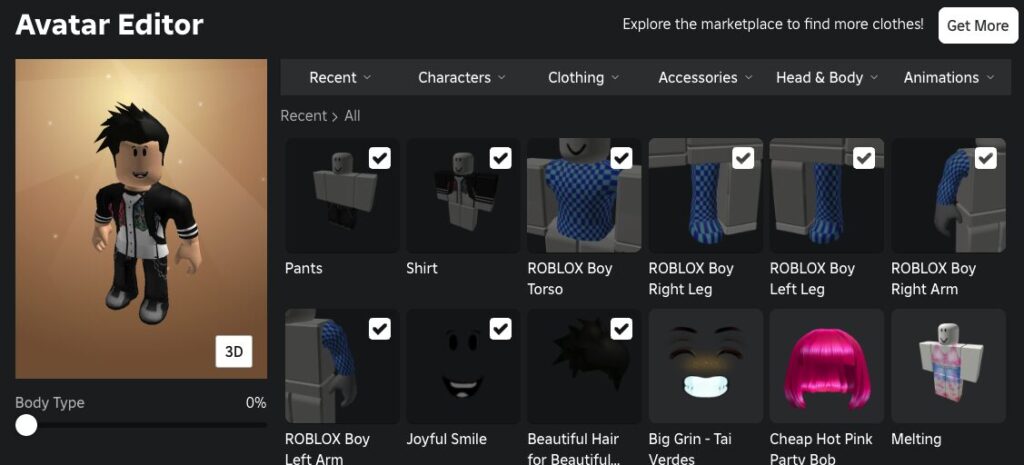
- Test on the Avatar: Try on your outfit on your own avatar to see how it looks. Make adjustments if necessary.
- Putting it up for sale: If you're a Roblox Premium member, you can sell your creations. Set a price for your outfit and publish it on Roblox catalog.
7. Tips for Creating Successful Clothes
- Study the trends: Observe popular trends on Roblox to create designs that players will love.
- Be creative: Don't be afraid to experiment with new ideas and styles. Originality can make your clothes stand out.
- Promote Your Creations: Use social networks, Roblox groups, and other platforms to promote your clothes and attract buyers.
Conclusion
Creating clothes on Roblox is a fun and potentially lucrative activity that allows you to express your creativity and share your designs with the global community. With the right tools and a little practice, you can start creating unique outfits that stand out and even build a career within Roblox. So, what are you waiting for? Download the templates, open your favorite image editor, and start creating today!